Open a 26 MB chip layout in a browser tab.
Reticle is an editor and viewer for very large hierarchical 2D layout scenes, the kind IC physical design produces. It runs in the browser on WebGPU, and natively on the same Rust code. Nothing to install to try it, and nothing uploaded: your design is read in the tab it is dropped into.
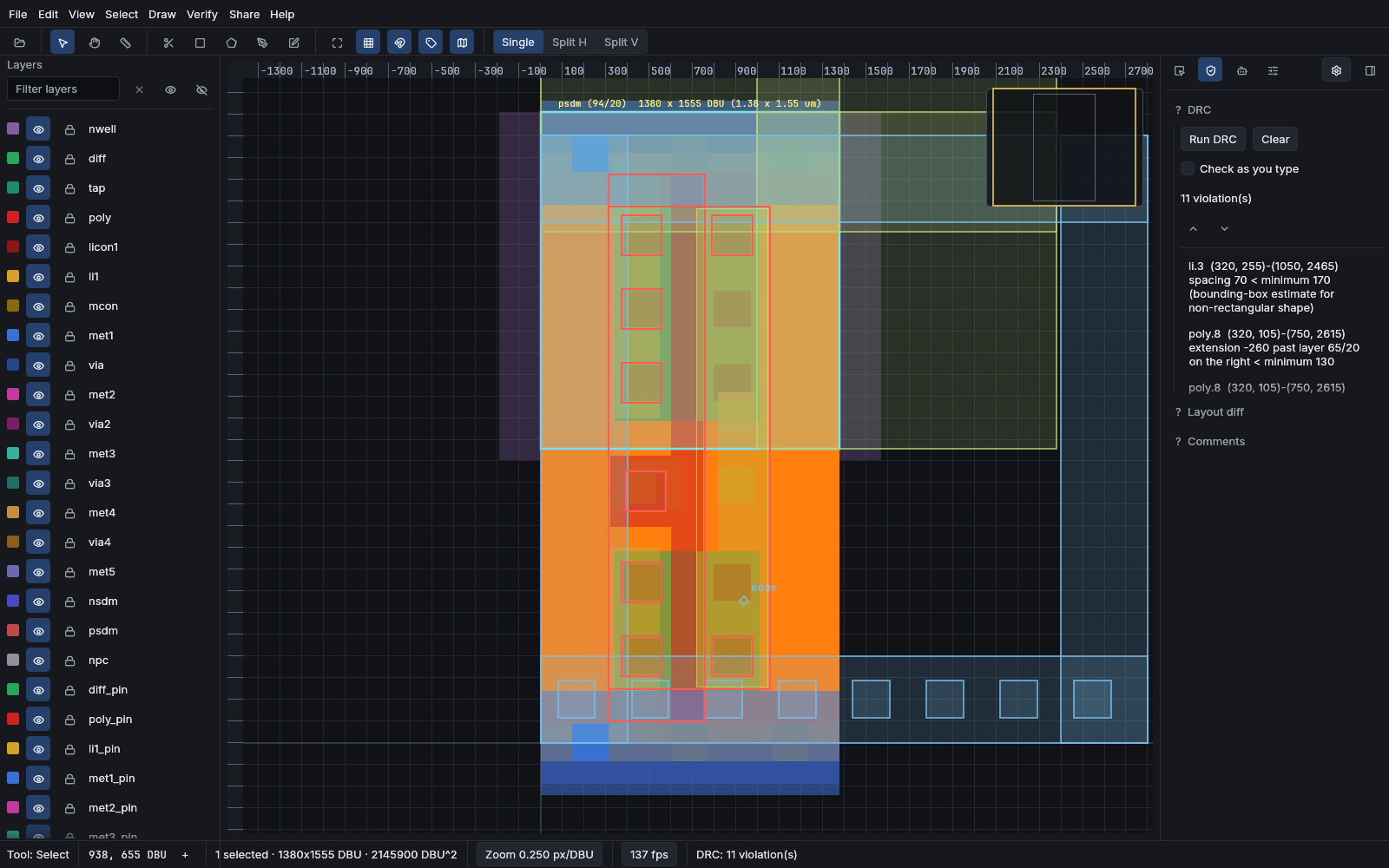
Three things, one codebase
The same Rust compiles to a native window and to wasm32 for the browser. There is no separate web port to fall behind.
An editor
Draw and edit shapes on a layer stack, with snapping, arrays, boolean operations and a full undo history. Every command is in one registry, reachable from the palette and the keyboard.
A checker
Design-rule checking that re-checks only the neighbourhood you changed, plus netlist extraction to SPICE and a layout-versus-schematic comparison. The rule decks are sourced from published PDK rules.
A viewer for very large scenes
Hierarchical scenes stream in rather than loading whole. A multi-gigabyte archive opens by fetching the small part the first view actually needs.
Start in about a minute
The browser build is the fastest way to see it. The native build is the one to use for heavy work, because it reaches the GPU without a browser in the path.
- Open the live demo. A sample design loads on its own.
- Drag a
.gds,.oas,.cifor.dxffile onto the canvas. It is parsed locally; nothing leaves the tab. - Press
Ctrl+Pfor the command palette, or use Verify › Run DRC.
Download reticle-app-v9.0.0-x86_64-windows.exe from the
latest release and run it.
One file, no installer.
eframe window
rendering through wgpu straight to DX12 or Vulkan, with no browser
between the scene and the GPU. Note that the Tauri desktop shell in the repository
is not this path: it wraps the web bundle in a system webview, so it renders
through a browser engine. The binary attached to the release is the native one.
Windows x86_64 binaries are published. macOS and Linux build from source.
# the native editor
git clone https://github.com/AlpharomeroJL/reticle
cd reticle
cargo run -p reticle-app --release

# the command line, for headless checking and conversion
cargo run -p reticle-cli --release -- --help

# the whole gate: fmt, clippy, tests, docs, wasm, e2e. There is no CI service.
just ci
Rust 1.94 or newer. The browser bundle builds with trunk.
What a session actually looks like
Every stage below is a real surface in the product, and each one can be driven from the UI, the command palette, or headlessly from the CLI.
flowchart LR
  A["GDSII / OASIS
CIF / DXF / LEF-DEF"] --> B["parse
capped, never panics"]
  B --> C["hierarchical scene
cells, arrays, layers"]
  C --> D["render
WebGPU or WebGL2"]
  C --> E["DRC
incremental"]
  C --> F["extract
devices + nets"]
  E --> G["violations
with coordinates"]
  F --> H["SPICE netlist"]
  F --> I["LVS compare"]
  C --> J["export
GDSII, OASIS, SVG, PNG, STL, glTF"]
  classDef src fill:#161d27,stroke:#4a90d9,color:#dbe2ec
  classDef chk fill:#161d27,stroke:#3fb950,color:#dbe2ec
  classDef out fill:#161d27,stroke:#e8a33d,color:#dbe2ec
  class A,B,C src
  class E,F,G,H,I chk
  class D,J out
The parts worth seeing
Each clip below is recorded from the real build, not mocked up.
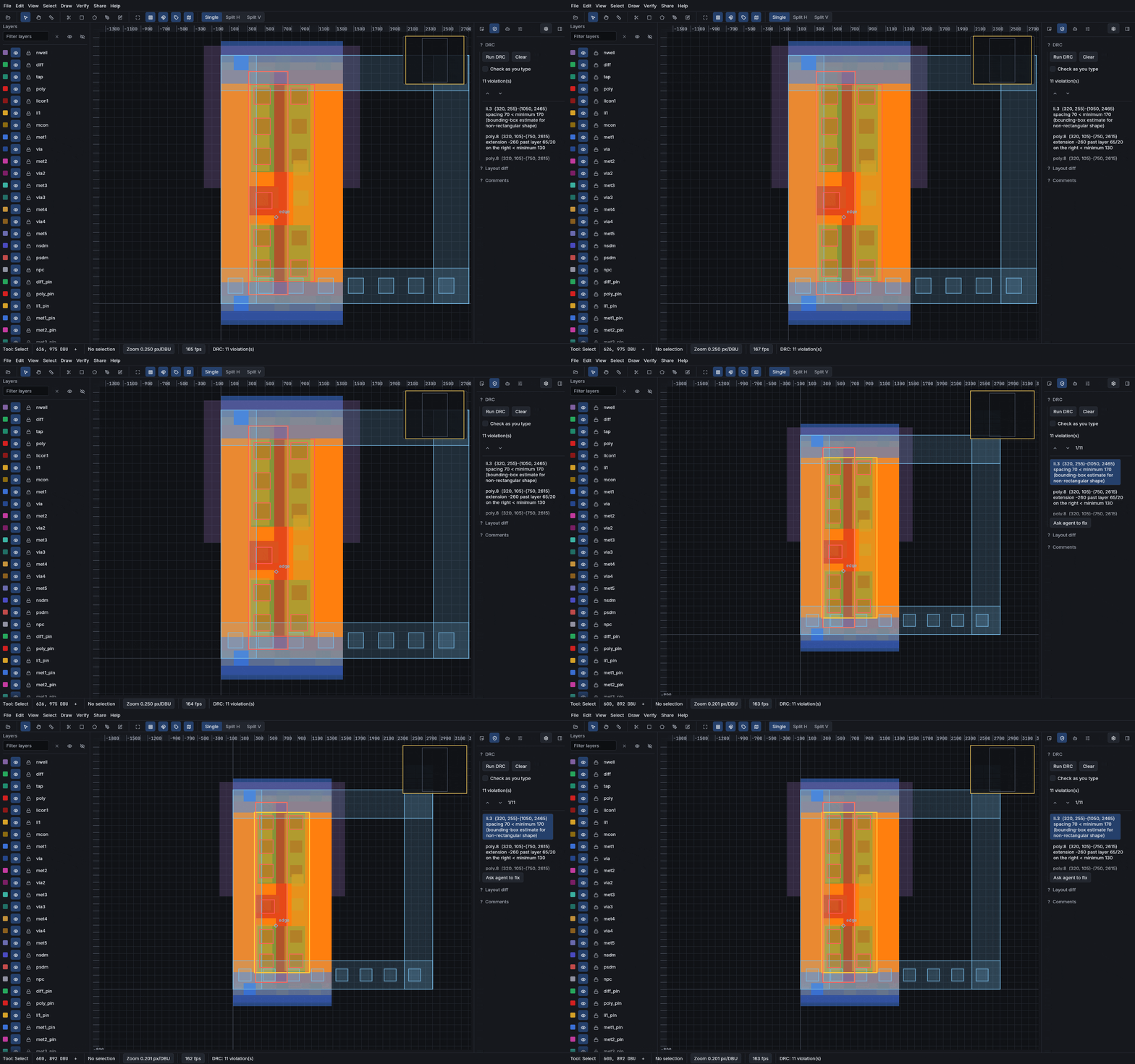
Design-rule checking
Run a deck over the open design and get violations with real coordinates. Editing re-checks only the neighbourhood that changed rather than the whole scene.
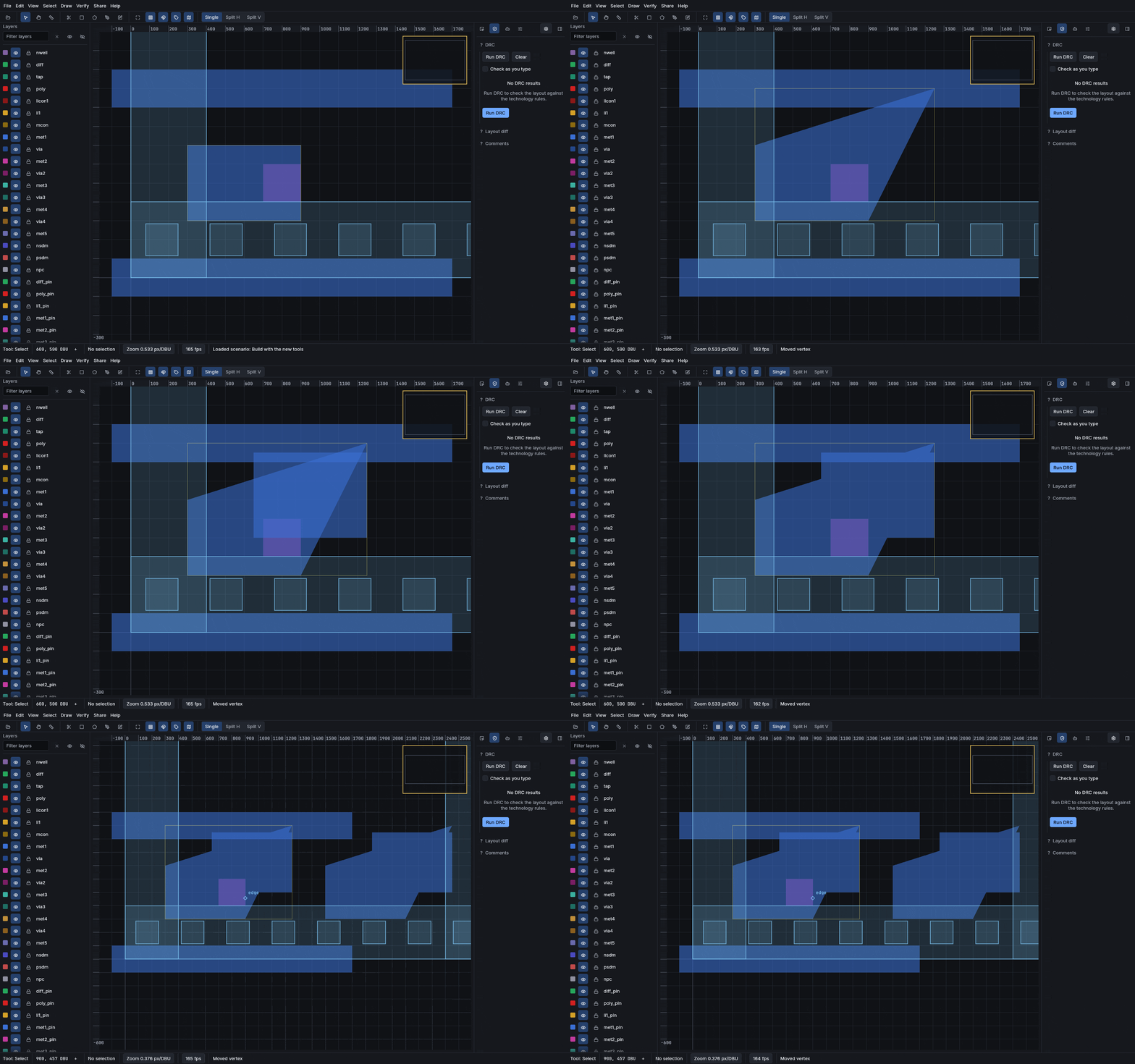
Drawing and editing
Shapes, paths, arrays and booleans on the layer stack, with snapping and a full undo history.
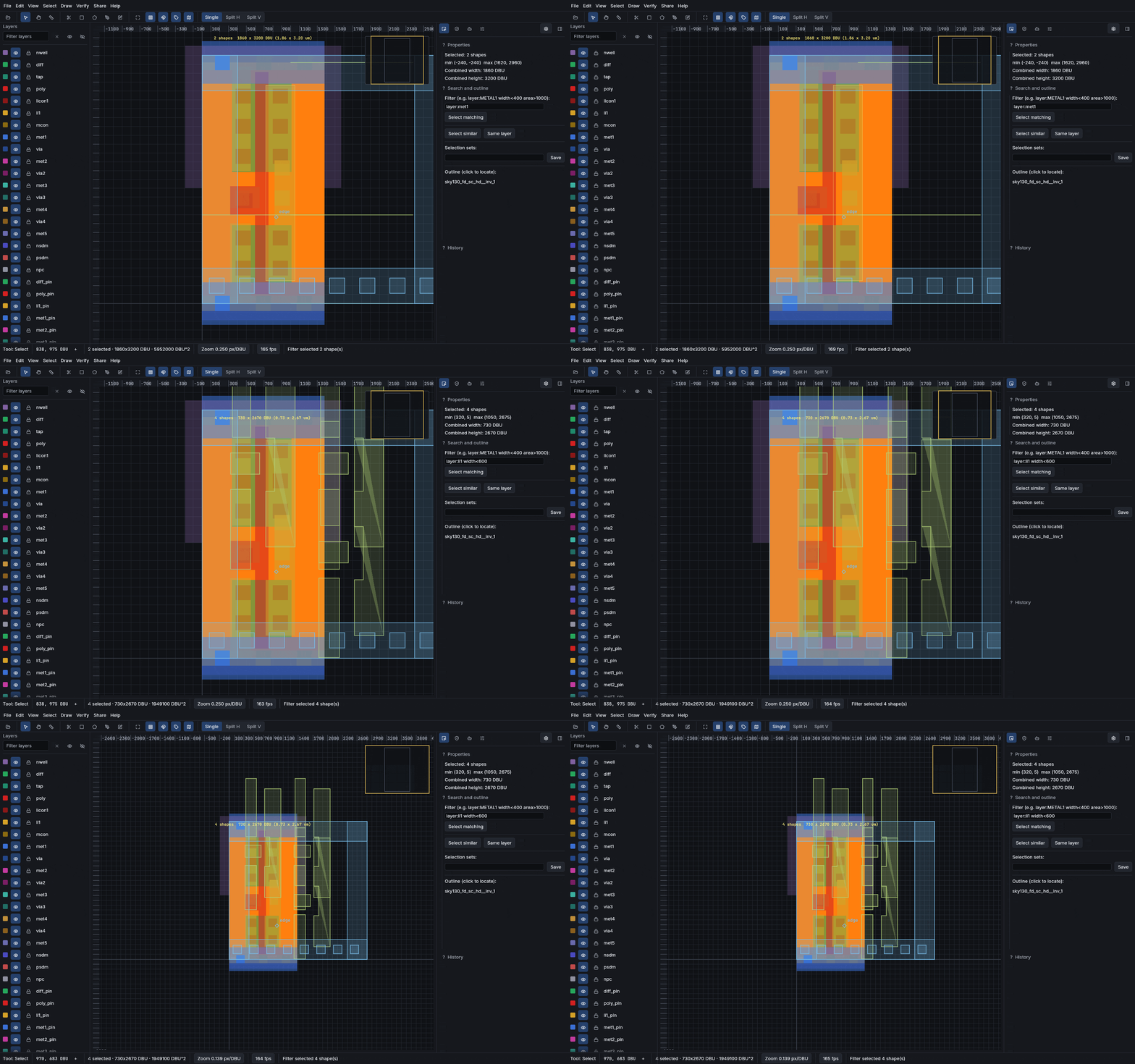
Net tracing and queries
Follow a net through the stack, ask what is connected to what, and see the answer highlighted on the canvas.
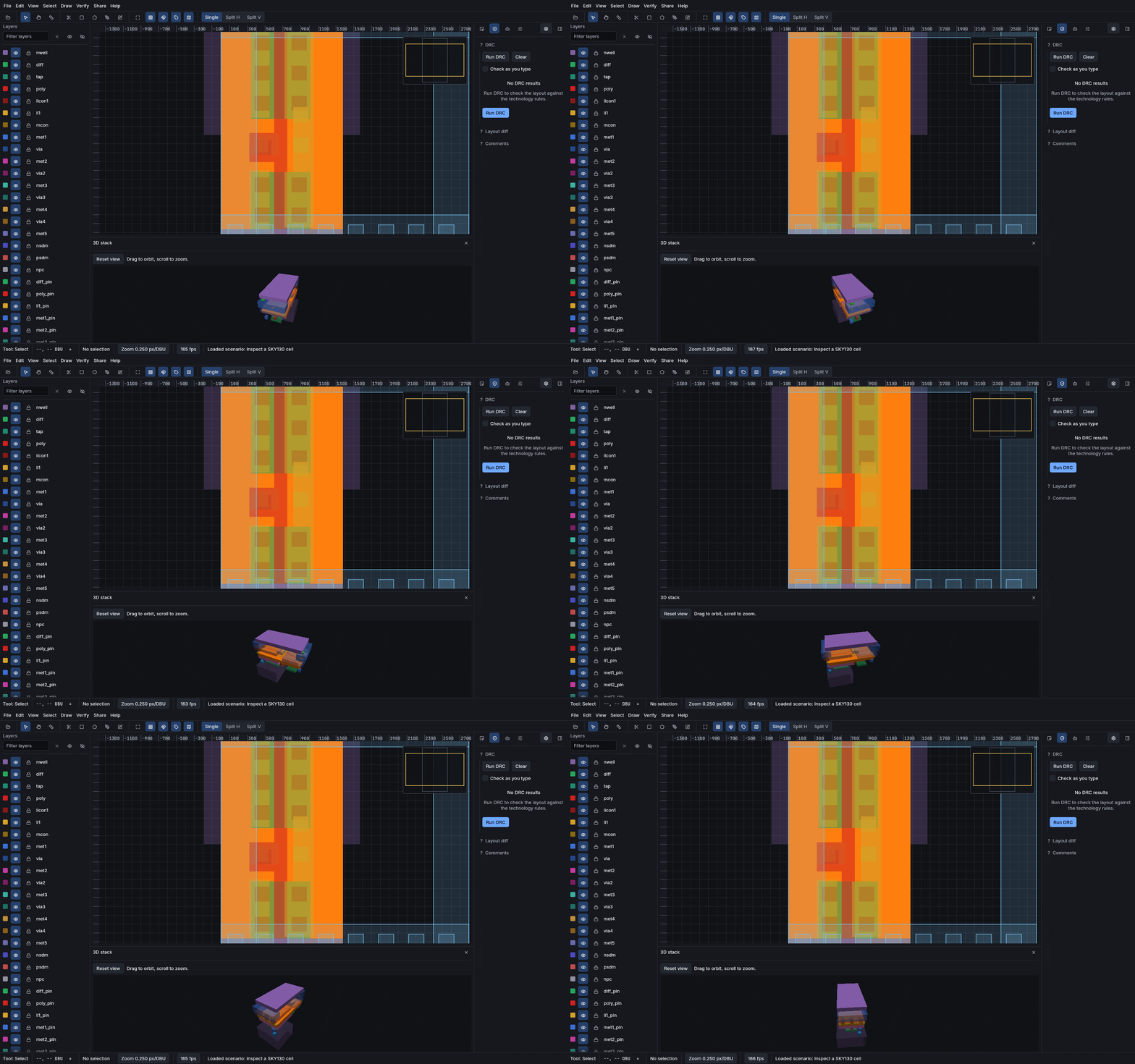
The stack in 3D
Lift the mask layers into their real Z order to see how the stack is built, and export it as STL or glTF.
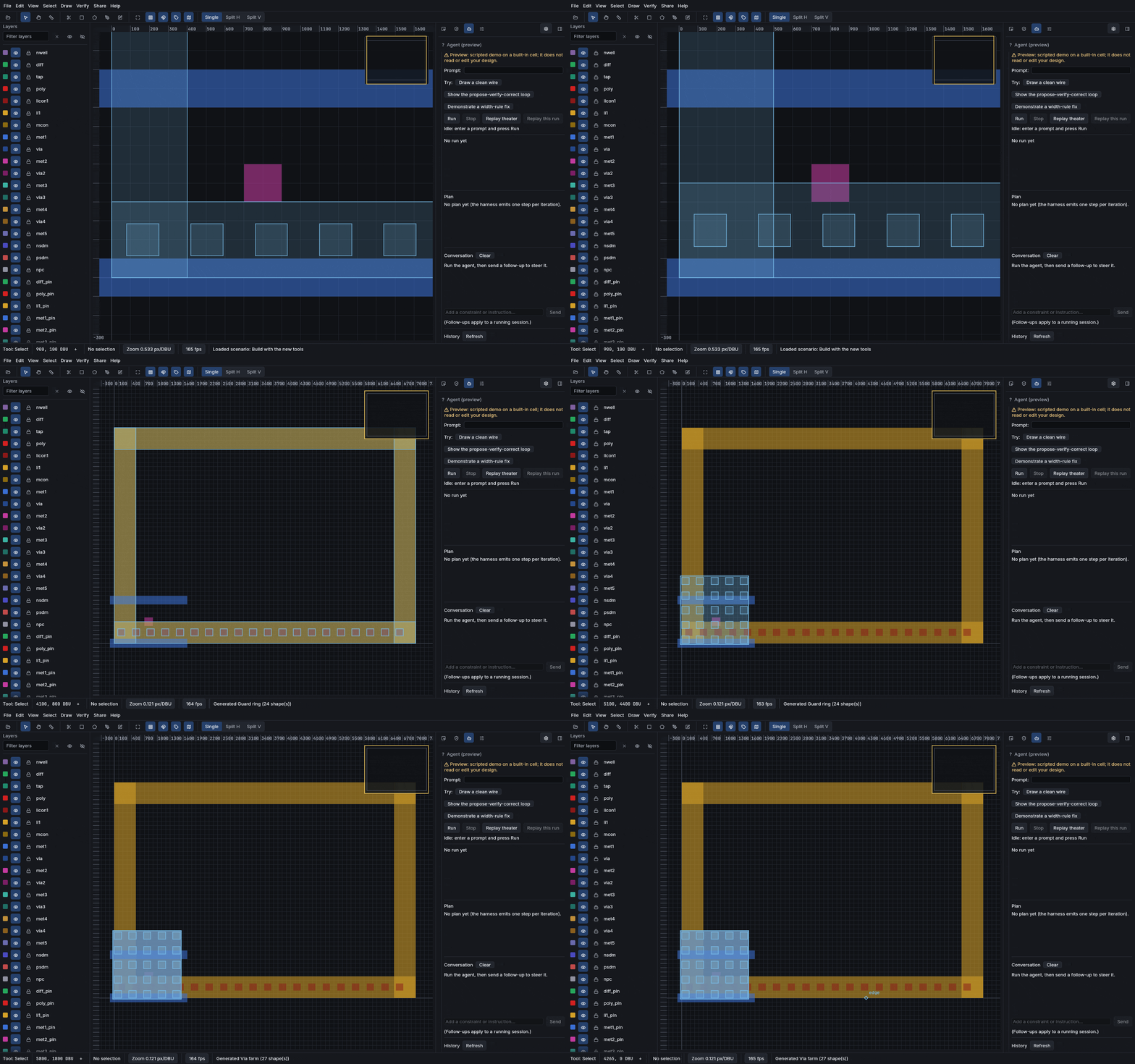
Parametric cells
Generate geometry from parameters, with the parameters and their provenance visible in the inspector.
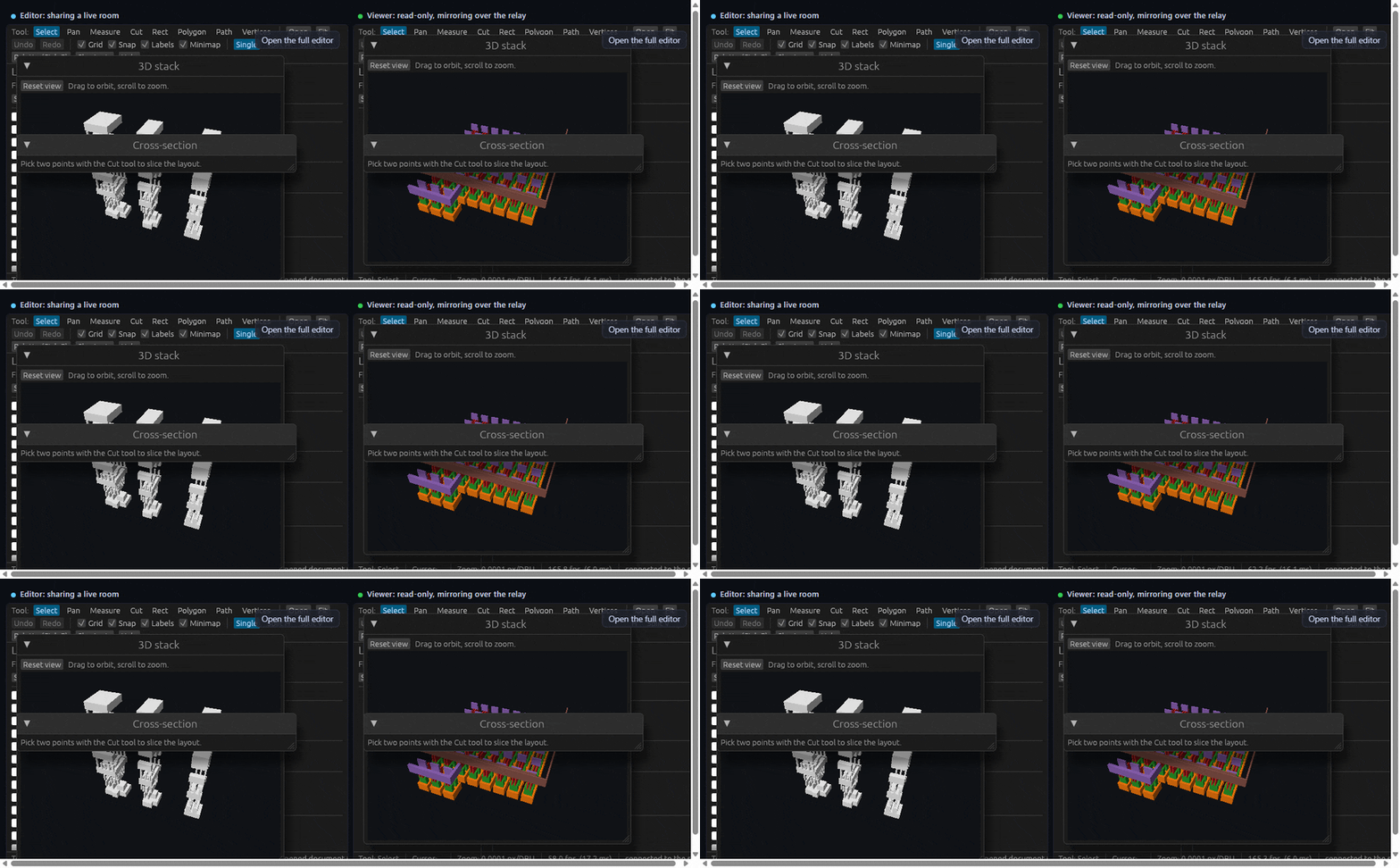
Share a session
Hand someone a link to a live session, or an immutable snapshot permalink that always opens the same revision.
How it is put together
The engine crates know nothing about the UI, and nothing about which target they are compiled for. That is what lets the browser and the native app be the same program rather than two programs that drift.
flowchart TB
  subgraph engine["engine crates, target agnostic"]
    G["geometry
exact integer predicates"]
    IO["io
GDSII, OASIS, CIF, DXF, LEF-DEF"]
    IX["index
spatial + streaming"]
    DRC["drc"]
    EX["extract"]
    RN["render
wgpu"]
  end
  subgraph shells["shells"]
    APP["app
egui UI"]
    CLI["cli
headless"]
    MCP["mcp server"]
  end
  G --> IO --> IX
  G --> DRC
  G --> EX
  IX --> RN
  engine --> APP
  engine --> CLI
  engine --> MCP
  APP --> NAT["native window
wgpu to DX12 / Vulkan"]
  APP --> WEB["wasm32 bundle
WebGPU, WebGL2 fallback"]
  classDef e fill:#161d27,stroke:#8b7ab8,color:#dbe2ec
  classDef s fill:#161d27,stroke:#e8a33d,color:#dbe2ec
  classDef t fill:#161d27,stroke:#3fbfa8,color:#dbe2ec
  class G,IO,IX,DRC,EX,RN e
  class APP,CLI,MCP s
  class NAT,WEB t
Exact integer geometry
Predicates cross-multiply squared quantities in wide integers rather than computing irrational lengths. No float, no epsilon, no tolerance to tune.
Incremental checking
An edit invalidates a neighbourhood, not the scene, so re-checking stays proportional to what changed rather than to design size.
Streaming by design
A scene is fetched in the pieces a view needs. Opening a multi-gigabyte archive does not mean downloading it.
What it reads and writes
Import and export both run in the browser build as well as natively.
| format | read | write | notes |
|---|---|---|---|
| GDSII | yes | yes | the common interchange stream |
| OASIS | yes | yes | conformant subset, refuses output its own reader would reject |
| CIF | yes | no | |
| DXF | yes | no | open entities import as zero-width paths |
| LEF / DEF | yes | no | cross-checked against OpenROAD |
| SPICE netlist | yes | yes | written from extraction, read for LVS |
| SVG / PNG | no | yes | publication output |
| STL / glTF | no | yes | the 3D layer stack as a mesh |
Check the claims yourself
Nothing on this page is meant to be taken on trust. These are the commands that produce the numbers.
# the whole gate: style, clippy, tests, doctests, docs, wasm, e2e
just ci

# rendering throughput on your own GPU
cargo run -p reticle-render --example fps_bench --release

# the agent leaderboard, byte-identical when run twice
cargo run -p reticle-bench -- leaderboard --out -

# the shipped binary's own version
reticle --version
just ci is the entire gate and it
runs locally, so the same command that guards the repository is the one you can run.
What it is not
The short version: this is a layout editor and a checker, not a signoff flow.
The complete roll-call of fixture-backed, native-only, parked and deferred surfaces
lives in docs/honest-limits.md in the repository.